Purpose
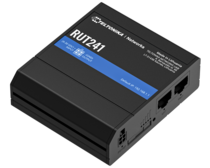
Install a Teltonika RUT241 indoors using the included antennas or the PR1KCL25 external LTE antenna.
Before You Start
- Confirm power and cable access.
- Install the SIM card.
- Keep the router dry, ventilated, and easy to service.
- Do not mount it directly against metal, power supplies, or transformers.
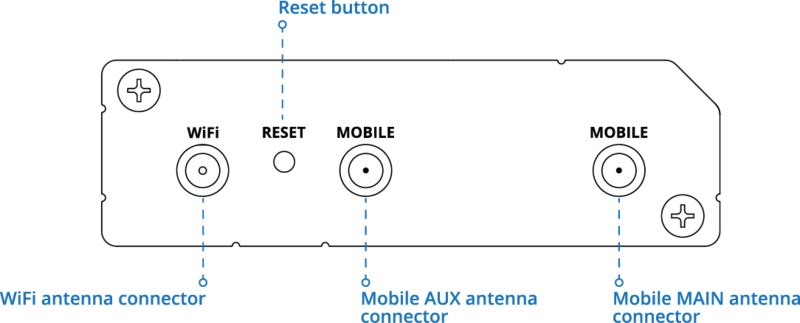
Choose the Antenna
Included antennas: Use in an open indoor area with good LTE signal.
PR1KCL25 external antenna: Use inside a metal enclosure or when LTE signal is weak.
Install the Router
1. Mount the router on a wall or secure it inside the enclosure.
2. Keep antennas upright and clear of obstructions.
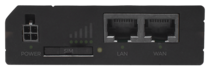
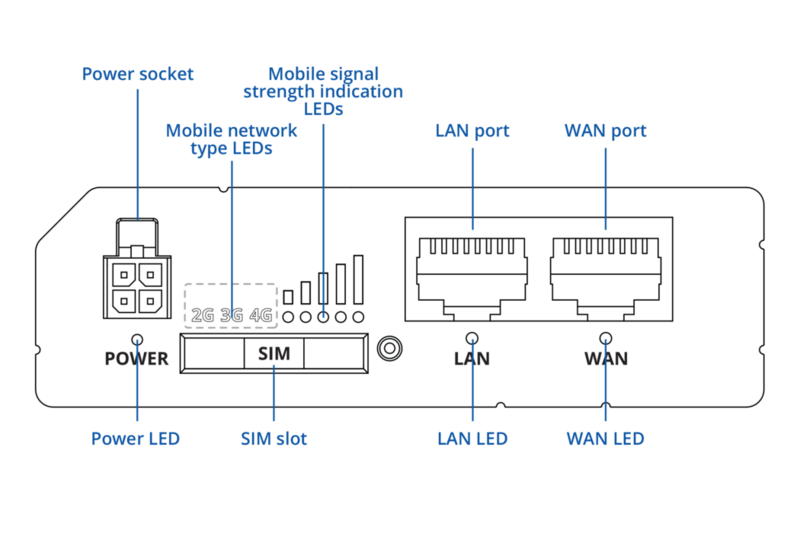
3. Leave access to the power, SIM, Ethernet, and antenna ports.
Connect the Antennas
Included antennas
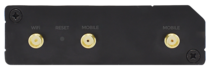
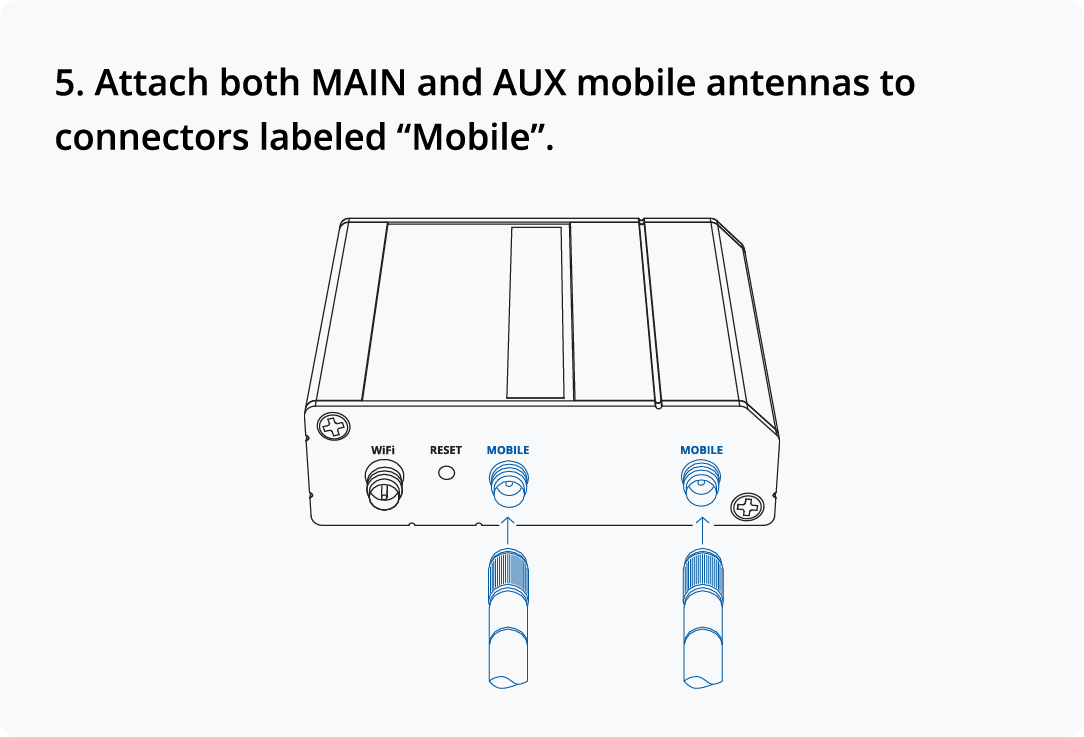
1. Connect the cellular antennas to LTE MAIN and LTE AUX.
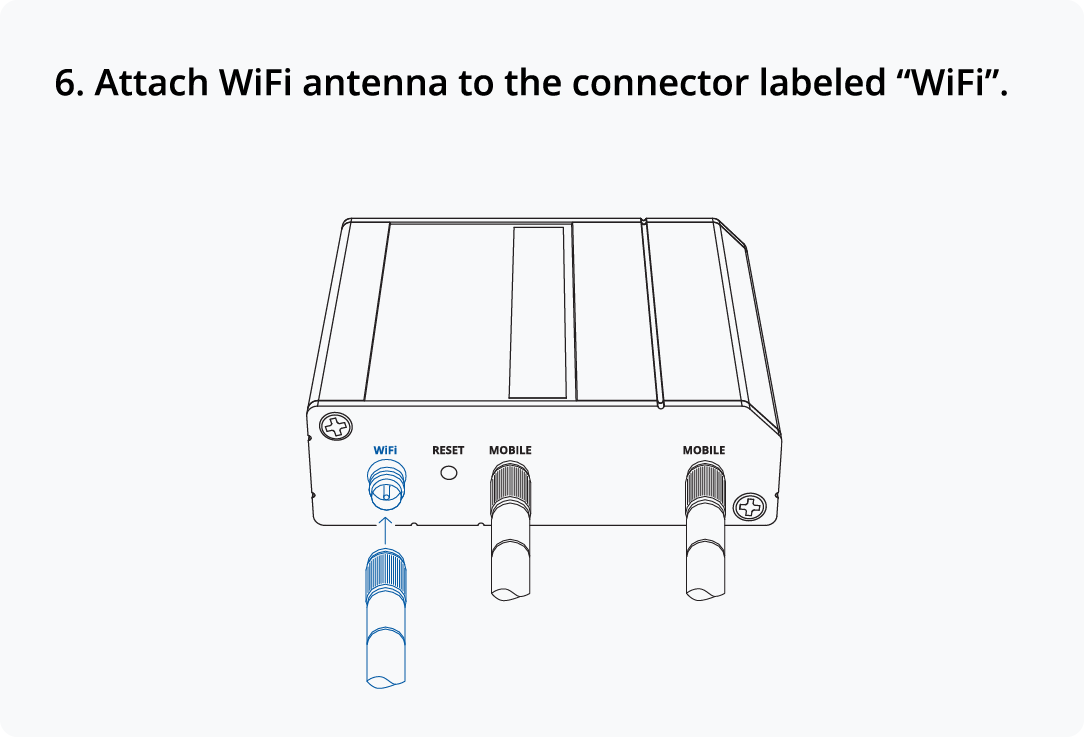
2. Connect the Wi-Fi antenna if Wi-Fi is used.
3. Hand-tighten all connectors only.
PR1KCL25 external antenna
1. Drill hole in mounting location roughly 0.45" (11.32mm) in diameter.
2. Remove 3M adhesive liner to expose tape. Mount the antenna on top of the enclosure or another horizontal surface with better signal exposure.
3. Route both cables through a sealed entry point. Connect the cables to LTE MAIN and LTE AUX.
4. Secure antenna with nut. Add strain relief and seal all penetrations.
Note: Do not pinch, kink, or sharply bend the cables.
Power On and Verify
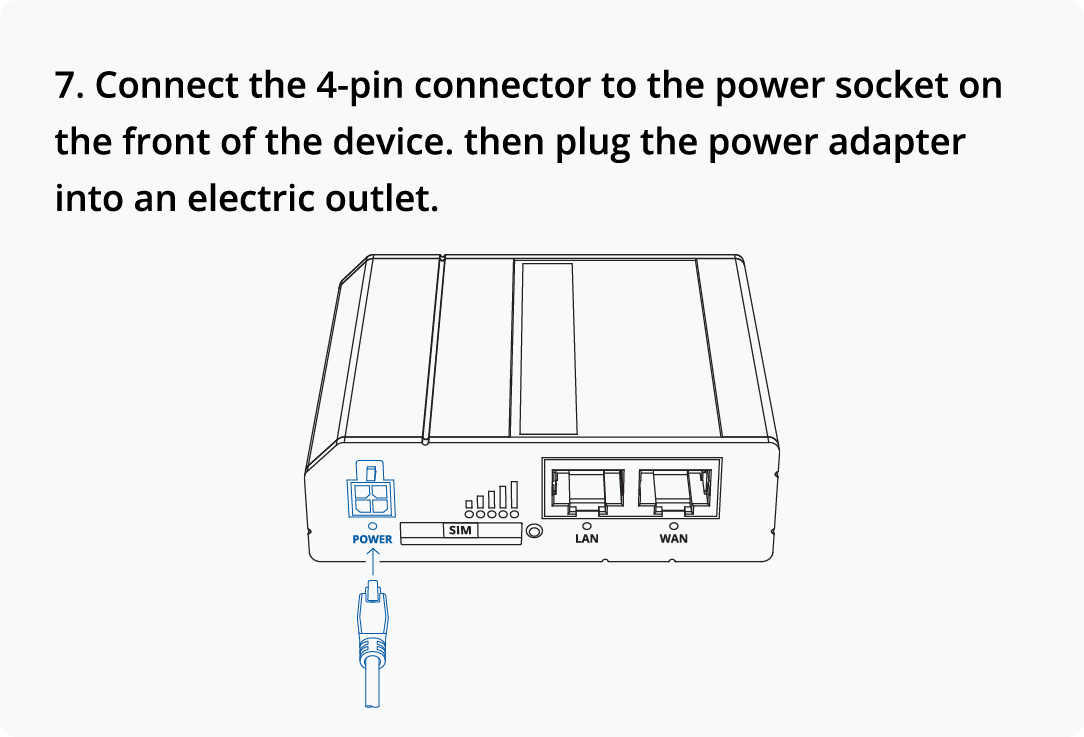
1. Connect power and wait for the router to boot.
2. Confirm LTE connects and remains stable.
3. Confirm Wi-Fi works, if enabled.
4. Check signal strength in the WebUI or RMS.
5. Move the router or antenna if the signal is weak.
Installation Complete When
- The router is powered and reachable.
- LTE is connected and stable.
- Both LTE antenna ports are connected.
- Cables are secure and not pinched.
- Enclosure openings are sealed.
- Wi-Fi works, if enabled.
For more information look at the printed Quick Start Guide provided in the packaging box of your device or visit: https://teltonika-networks.com/products/routers/RUT241/